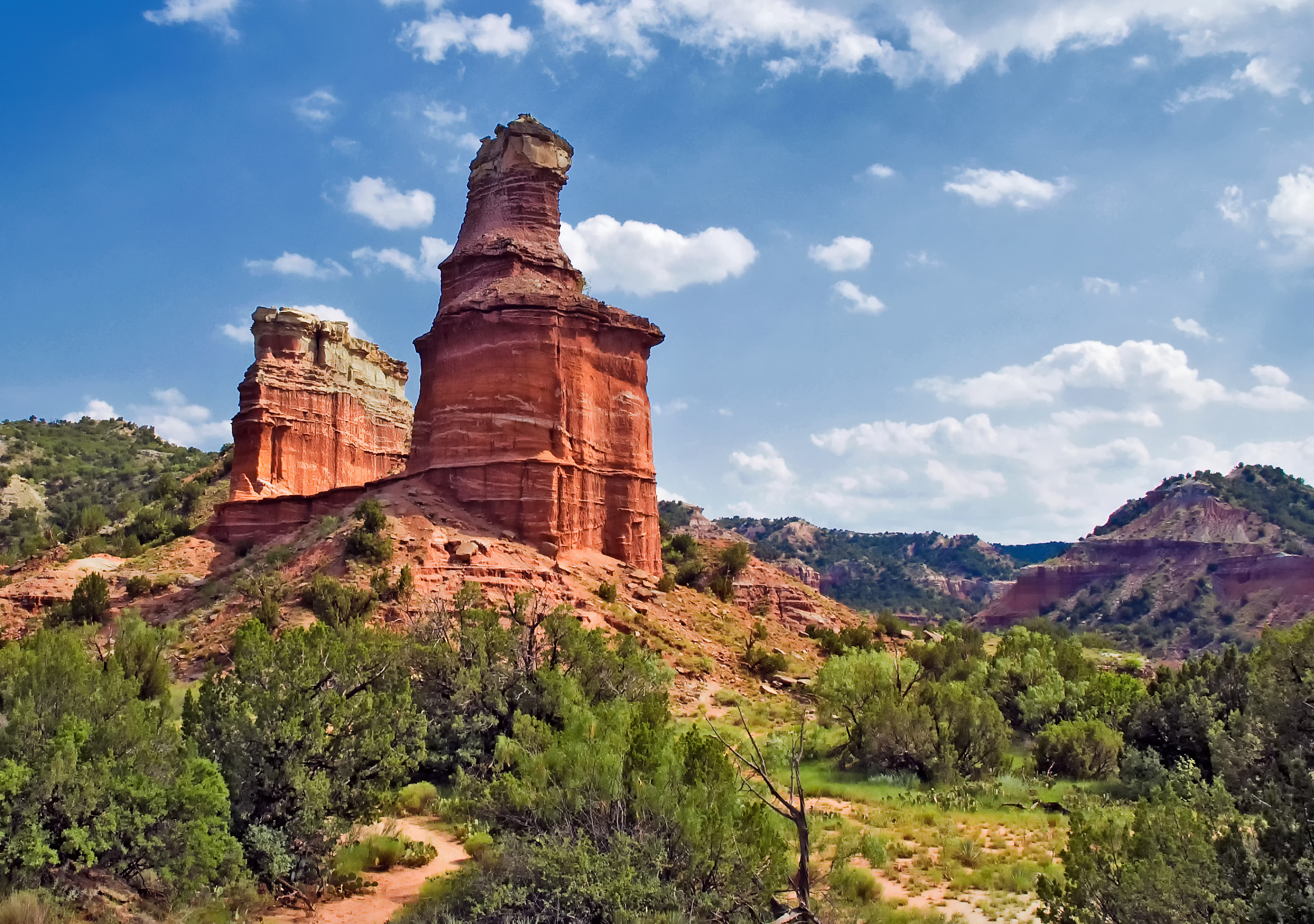
Hiked the Lighthouse trail in Palo Duro Canyon last week. At six miles out and back (five and one half if you, like me, skip the final ascent) it was my first long hike of the season.
I consider the Lighthouse my home trail. It’s the one I do most often and the one I use to prepare for the longer ones in New Mexico and Colorado.
And the word “home” describes more than the trail. The Palo Duro itself is home to me. The memory of adventures with childhood friends and mentors, even first meeting Charlotte, come mixed in the reds, yellows and magenta of these canyon walls.
So though I usually hike by myself, I am never alone. Their faces walk with me.
How did I do last Thursday?
Well I’m not quite as fit as I thought I was.
But then the season has just begun.
**
And now a word about the new book and how friends like you can help me launch
- I plan to go live on Amazon April 1. I’ll post a pic of the cover (on my Facebook page) with the formal announcement. It will help if you click the Like and the Share buttons.
- I need folks to buy their copies early (helps my ranking on Amazon which helps more people see the book). To reward you for doing that I’m lowering the price of the e-book to $2.99 (that’s over 70% off and the lowest Amazon will let me price it).
- If you want to go the extra mile, Amazon will let you give the e-book to friends (same low price). I’ll put directions on how to do that below.
- Finally, I need lots of ratings and reviews on Amazon itself (readers want to know what others think). So, after reading, if you’ll click those stars and leave a brief comment I’ll be mighty pleased!
**
To gift a Kindle ebook on Amazon, navigate to the book’s detail page and look for the “Buy for Others” or “Gift” option. Enter the recipient’s email address and an optional gift message, then proceed with the purchase. Amazon will send a link to the ebook to the recipient’s email.
Here’s a more detailed breakdown:
- Find the book:Search for the Kindle ebook on Amazon.com and navigate to its detail page.
- Buy for others:Look for the “Buy for Others” or “Give as a Gift” button, usually located below the “Buy Now” button.
- Enter recipient information:Enter the recipient’s email address and any gift message you’d like to add.
- Proceed to checkout:Complete the purchase as you normally would, ensuring you have the recipient’s email address and delivery date selected.
- Delivery:Amazon will send the ebook directly to the recipient’s Kindle account.
- Redemption:The recipient will receive an email notification with instructions on how to accept and redeem the gift.
Even if they don’t have Kindle, they can load the app free on any of their devices. I take it Amazon will have instructions when the recipient opens your gift by email.